

Home > Create and Print Documents Using Your Computer > Create and Print Custom Documents Using P-touch Editor (Mac)


Create and Print Custom Documents Using P-touch Editor (Mac)
Download and install P-touch Editor from the App Store on your Mac.
- Double-click , and then double-click the Brother P-touch Editor icon.
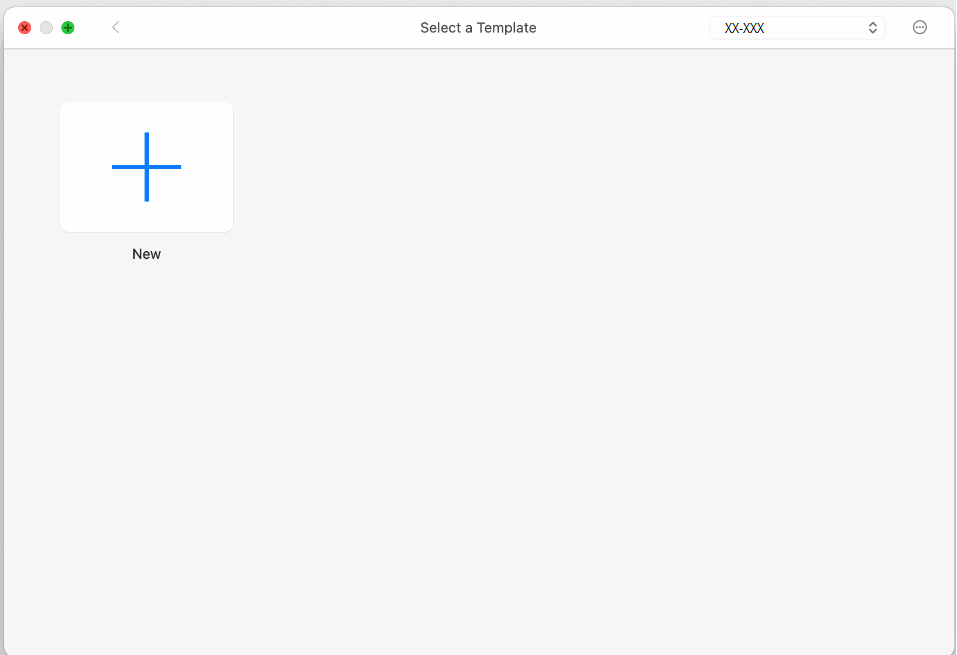
- When P-touch Editor starts, click New to create a new layout or open an existing layout.
- Click the Print icon.
Did you find the information you needed?