

Home > Printer Settings > Confirm Printer Settings


Confirm Printer Settings
You can print a Printer Settings Report without connecting the printer to a computer or mobile device.
- Turn the printer on.
- RJ-3235B/RJ-3255WB: Load a 3" (76 mm) media into the printer.
- RJ-4235B/RJ-4255WB: Load a 4" (102 mm) media into the printer.
- Press and hold the
 (Feed) / OK button. The report starts printing.
 The report indicates the model name, serial number, rechargeable Li-ion battery status, error history and more detailed information on the printer’s configuration and parameter settings.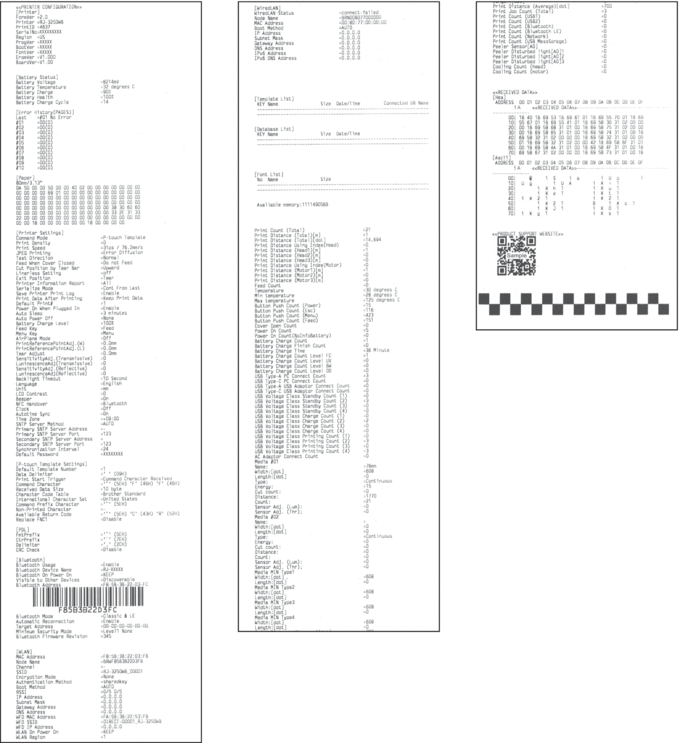
Did you find the information you needed?